

You bring the code
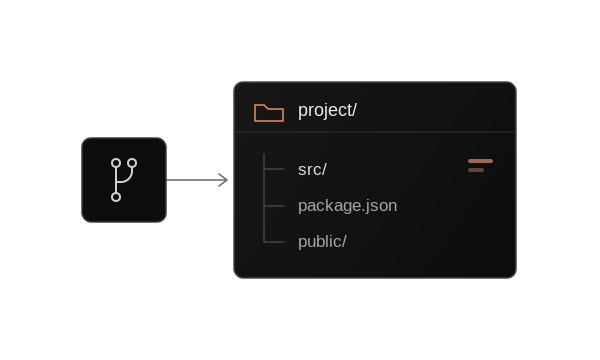
Connect a repository or upload your finished project as an archive. Code written with AI works too.
You wrote the code yourself or with AI. Run it on Muerte so your website, app or bot keeps working after you close your laptop.
Explore the platformBring your finished project. We prepare it for launch and publish it online.
Connect a repository or upload your finished project as an archive. Code written with AI works too.
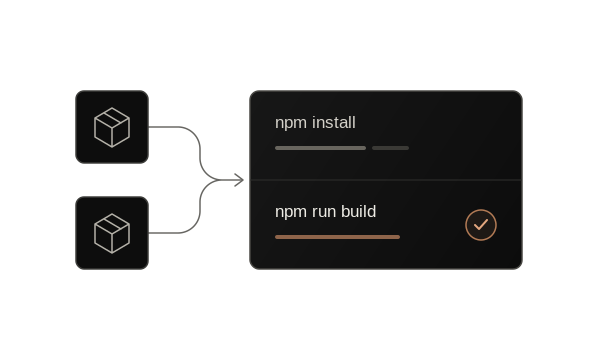
We install dependencies and build your app. Supported stacks are detected and configured automatically.
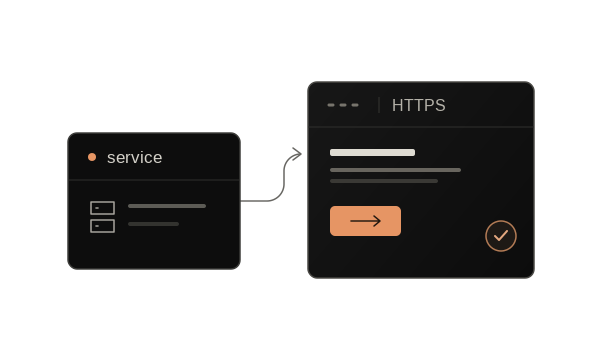
After launch, you get an HTTPS link. Your application runs in the cloud, even when your laptop is closed.
Ask your assistant to publish your website. It can prepare the project and carry out deployment steps in Muerte through MCP.
Agent instructionsPublish my website online.
Keep building: connect your domain, store data and release updates. All on the same platform.
Connect a custom domain. Muerte issues and automatically renews its HTTPS certificate, so people can open your application at your own address.
Connecting a domainAdd Postgres alongside your application for accounts, orders and other user data. Set up scheduled backups so you can restore your data when needed.
Databases and backupsDeployment history shows the result of every update. If a new version is not working correctly, return to a saved successful build. Rolling back the code keeps your application's current data.
Returning to a working versionRead build and application logs in the dashboard to find the cause of an error. Enable email or Telegram notifications to hear about failed deployments and changes in your service's status.
Setting up notificationsLaunch your first project. It all starts with your code.
Starting credit. No card required.